Patta Transfer Status Online Tamil Nadu 2026 Check Application Status
Patta Transfer Status Online Tamil Nadu 2026 – Check Your Application Status
Waiting for your Patta transfer application to be approved? Learn how to check Patta Transfer Status online in Tamil Nadu, understand pending and rejected applications, find the correct government portal, and know what steps to take if your application is delayed.
If you have recently purchased land, inherited property, or applied to update ownership details, checking your Patta Transfer Status is an important step. A submitted application does not automatically mean that the Patta has been transferred. The Revenue Department must process the request and update the relevant land records.
This guide explains how to check Patta Transfer Status online in Tamil Nadu using official government services. It also covers common application problems, the information you may need, and how to proceed when your application shows pending, returned, or rejected.
1. What Is Patta Transfer Status?
Patta is a Tamil Nadu land revenue record that contains important details associated with a landholding, such as the Patta number, landholder information, village, survey number, and related classification details.
When ownership or other relevant details need to be updated following a property transaction or another legally recognised change, an application for Patta transfer may be submitted to the Revenue Department.
Patta Transfer Status refers to the current processing stage of that application. It helps an applicant understand whether the request is being processed, whether additional information is required, or whether an order has been issued.
Checking the status is different from simply viewing an existing Patta or Chitta extract. If you only want to view land-record information, use the official land-record service instead.
2. How to Check Patta Transfer Status Online in Tamil Nadu
You can check an application through the official government status service. The exact process may depend on the channel through which you submitted your Patta transfer request.
Step-by-step process
- Open the official application-status page.
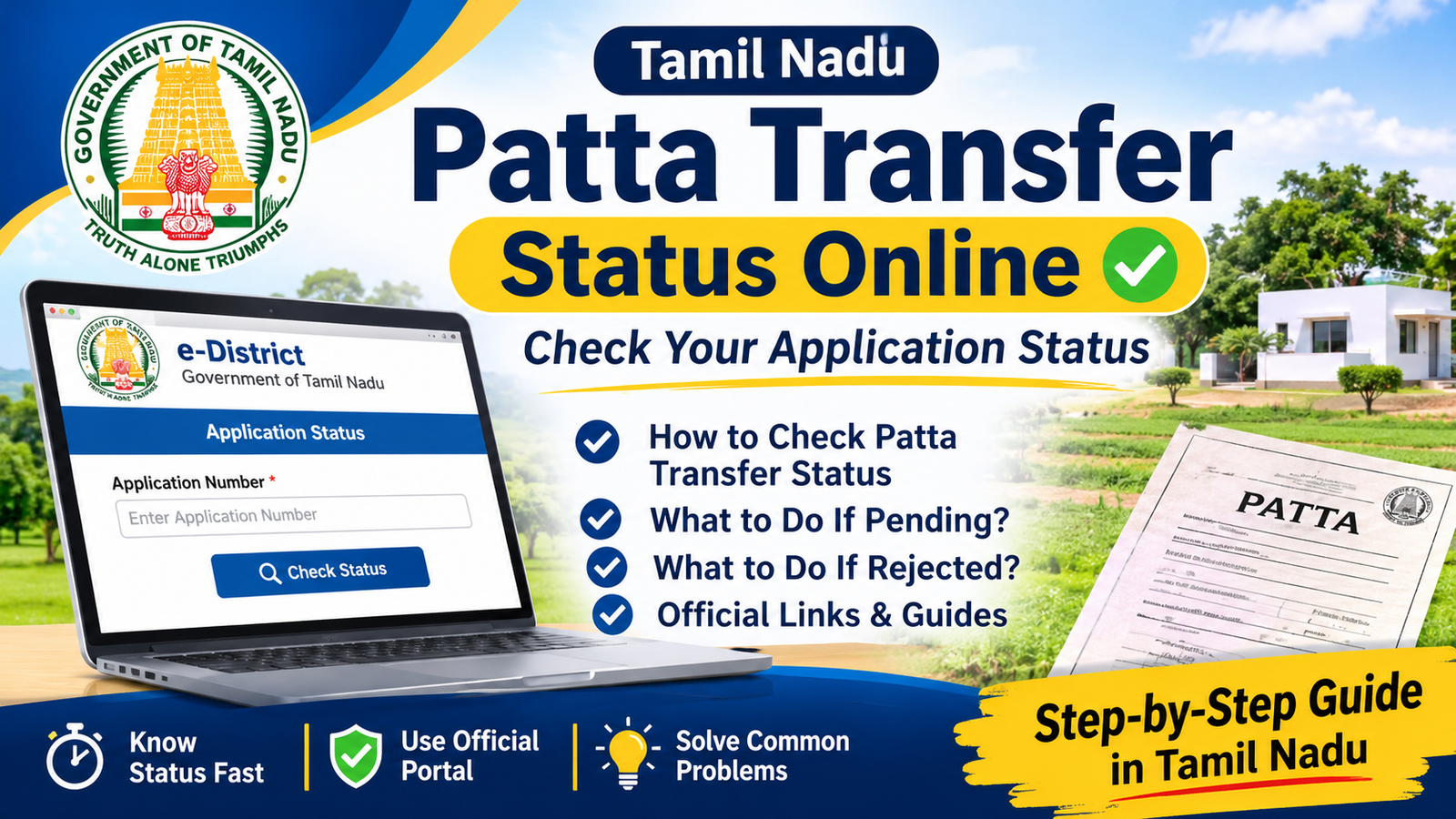
Visit the Tamil Nadu e-District Check Status portal.
- Keep your application number ready.
Use the application or reference number provided when you submitted your request. Check your acknowledgement, receipt, or application confirmation.
- Enter the requested details.
Enter the application number and any other information requested on the official page. Follow the instructions displayed on the portal.
- Submit the status request.
Complete any verification shown on the page and submit your details.
- Read the application status carefully.
Check whether your application is pending, processed, returned, rejected, or showing another status. Follow any instructions displayed by the department.
3. How to Apply for Patta Transfer Online in Tamil Nadu
If you have not submitted an application yet, you first need to use the appropriate government application channel. Tamil Nadu provides land-related services through its Revenue Department and e-governance services.
The official government sources list Tamil Nilam Patta Transfer services, including full-field and joint Patta transfer categories. The applicable service depends on the nature of your request and property records.
General application process
- Identify the correct service.
Determine whether your case involves a full-field transfer, joint Patta transfer, subdivision, inheritance, or another type of record correction.
- Use an official application channel.
Visit the Tamil Nadu e-Sevai portal or ask an authorised e-Sevai centre about the applicable Patta transfer service.
- Provide the property and applicant information.
Enter the details requested by the official application system. Make sure survey numbers and ownership details match the supporting records.
- Submit the required supporting documents.
Upload or provide the documents requested for your particular case.
- Save your acknowledgement.
Keep the application number and receipt safely. You may need these details to check your Patta transfer application status later.
4. Information and Documents to Prepare
The documents required for Patta transfer can vary depending on the reason for transfer, the type of property, the existing land records, and whether subdivision is involved.
Before starting your application, you may need to keep the following information available, depending on your case:
- Applicant’s name and contact details.
- District, Taluk, and Village information.
- Patta number, if available.
- Survey number and subdivision number.
- Registered sale deed or other relevant ownership document.
- Previous Patta or available land-record details.
- Legal-heir or succession-related documents, where applicable.
- Any additional document specifically requested by the Revenue Department.
5. Understand Your Patta Transfer Application Status
After you check your application, you may see a status or processing message. The wording can differ between government systems, so read the complete status details rather than relying on a single word.
| Status or message | What it may mean | What you should do |
|---|---|---|
| Submitted / Received | Your application has been submitted or received by the system. | Save the acknowledgement and check for further updates. |
| Pending / Under Process | The application has not reached a final decision. | Check for instructions and contact the responsible office if it remains delayed. |
| Returned | The application may require correction, clarification, or additional information. | Read the return reason and follow the official instructions. |
| Approved | An approval decision has been recorded. | Check the updated land record and confirm that the details are correct. |
| Rejected | The request has not been approved. | Read the reason and ask the responsible authority about the appropriate remedy. |
| Not Found | The entered reference may be incorrect or unavailable in that status system. | Recheck the acknowledgement and confirm the correct tracking channel. |
These descriptions are general guidance, not a guarantee that every portal uses exactly the same labels or processing stages.
6. What to Do If Patta Transfer Status Is Pending?
A pending Patta transfer application does not automatically mean that it has been rejected. It may still be under examination or waiting for a verification step.
If your Patta transfer application status in Tamil Nadu has not changed for some time, follow these practical steps:
- Check the application number carefully and open the correct official status service.
- Review the acknowledgement to confirm the submission date and application channel.
- Check whether the portal displays any request for additional documents or clarification.
- Contact the Taluk office or Revenue official responsible for the application.
- Provide your application acknowledgement and ask whether any action is pending from your side.
- Keep a record of your visit, communication, or grievance reference where available.
Do not submit a duplicate application immediately just because the status has not changed. First confirm whether the original application is active and whether the department requires any further information.
7. What to Do If Your Patta Transfer Application Is Rejected?
If the application is rejected, the most important step is to understand the reason recorded by the department. Submitting the same application again without correcting the underlying issue may not solve the problem.
Steps to take after rejection
- Open the application details and read the rejection reason.
- Check whether the problem relates to ownership documents, survey details, subdivision, or a mismatch in land records.
- Collect the relevant supporting documents and verify that the details are consistent.
- Contact the responsible Taluk office and ask which correction or remedy is appropriate.
- If you disagree with the decision, ask about the applicable appeal or revision process and its deadline.
8. How Long Does Patta Transfer Take in Tamil Nadu?
The time required can depend on the nature of the application, the completeness of the documents, land-record verification, and whether subdivision is required.
The Tamil Nadu Commissionerate of Land Administration describes a disposal framework of:
- 15 days: Cases that do not involve subdivision.
- 30 days: Cases that involve subdivision.
These periods are described in the department’s Patta Transfer guidance. They should not be treated as a guarantee that every application will be completed within that time. Verification requirements, application-specific issues, or other circumstances may affect processing.
For the official explanation, read the Patta Transfer page of the Commissionerate of Land Administration.
9. Common Patta Status Problems and Their Solutions
Problem 1: Application number is not working
Check whether you have entered the correct application number from your acknowledgement. Avoid confusing the application number with a payment reference, transaction ID, Patta number, or survey number. If the reference still does not work, contact the service channel where you submitted the application.
Problem 2: Patta status is not updating
A status may remain unchanged while the application is being examined. Check the official portal again and contact the responsible office if the delay continues. Keep your acknowledgement available when making an enquiry.
Problem 3: Application shows returned
Read the return remarks carefully. If the department asks for additional information or a correction, follow the stated instructions through the appropriate official channel.
Problem 4: Patta details are incorrect after approval
Compare the updated record with your supporting documents. If you find a spelling, survey, subdivision, or ownership-detail mismatch, contact the relevant Revenue office and ask about the correction procedure.
Problem 5: Old Patta is still visible
First confirm whether the transfer order was completed and whether the updated record is available through the relevant land-record service. If the record still appears unchanged, ask the responsible office to confirm the current position of the approved application.
Problem 6: You cannot identify the correct land details
Check the survey number and subdivision details against your property documents. You may also find the following guide useful:
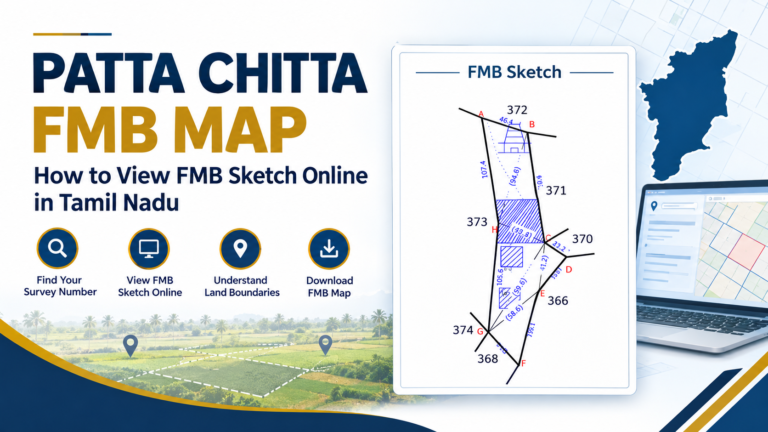
Read our guide: Patta Chitta FMB Map – Understand Tamil Nadu Land Survey Details.
10. How to Verify Updated Patta Details After Transfer
After your Patta transfer is approved, it is sensible to verify the updated record instead of relying only on an application-status message.
- Open the official Tamil Nadu land-record portal.
- Select the relevant land-record service.
Choose the appropriate option for viewing Patta, Chitta, FMB, TSLR, or other available records.
- Enter the requested property details.
Provide the district, Taluk, village, survey number, and subdivision information as requested by the portal.
- Review the displayed information.
Check the available ownership and property details for accuracy.
- Save the record if needed.
Use the official portal’s available viewing or download option.
If you want to understand the wider online land-record process, visit our Patta Chitta Tamil Nadu guide homepage.
11. Official Tamil Nadu Government Links
Use the following government websites for land-record services and application-related information. Always check the domain before entering personal details.
12. Related Patta Chitta Guides
These guides may help you understand other parts of the Tamil Nadu land-record process:
13. Frequently Asked Questions About Patta Transfer Status
1. How can I check Patta Transfer Status online in Tamil Nadu?
Visit the official Tamil Nadu e-District status page, enter the application number and any other requested details, and submit the request. If your application was submitted through a different channel, confirm the correct tracking service with that channel.
2. Can I check Patta status using my Patta number?
An application-status service generally asks for the application reference rather than using the Patta number alone. For viewing existing land records, use the official e-Services portal and provide the property details requested there.
3. What should I do if my Patta transfer application is pending?
Check the application details for any additional instructions. If the application remains pending, contact the responsible Taluk office or service channel with your acknowledgement number.
4. What does a rejected Patta transfer application mean?
It means the application has not been approved. Read the recorded reason, ask the responsible Revenue office about the required correction or remedy, and check the applicable appeal process if you disagree with the decision.
5. How many days does Patta transfer take?
The Commissionerate of Land Administration describes a 15-day disposal framework for cases without subdivision and 30 days for cases involving subdivision. Actual processing can depend on the application and verification requirements.
6. Can I apply for Patta transfer online?
Tamil Nadu provides Patta Transfer services through government service channels, including e-Sevai and the applicable Revenue Department systems. The correct application route depends on the type of transfer.
7. Is Patta Transfer History the same as application status?
No. Application status tracks a submitted request. Patta Transfer History is a separate land-record service that provides historical transfer information for eligible private land records.
8. Where can I verify my updated Patta after approval?
Use the official Tamil Nadu e-Services land-record portal and select the relevant Patta or Chitta viewing service. Check the displayed details against your property documents.
9. What if my application number is not found?
Check the acknowledgement for typing mistakes and confirm that you are using the correct application reference. If the problem continues, contact the centre or department through which you submitted the application.
10. Is PattaChittae.com an official government website?
No. PattaChittae.com is an independent informational website. It is not affiliated with or operated by the Government of Tamil Nadu. For applications, payments, and official land-record verification, use the government portals listed in this guide.
Final Thoughts
Checking your Patta Transfer Status online helps you understand what is happening with your land-record application and whether further action may be required. Keep your application acknowledgement safe, use the correct government status service, and read any instructions or remarks carefully.
If your application is pending, returned, or rejected, contact the responsible Revenue office and follow the official procedure. After approval, verify the updated Patta details through the Tamil Nadu land-record portal.
For reliable information, always prefer official government websites and avoid sharing OTPs, passwords, or sensitive personal information with unknown websites or individuals.