
Patta Chitta OTP Not Received? Fix It in 2026
Patta Chitta OTP Not Received? 7 Ways to Fix It in 2026
If you are trying to check Patta Chitta online but the OTP is not arriving on your mobile, do not worry. A delayed OTP does not always mean that your Patta Chitta request has failed.
In this guide, you will learn what to check when your Patta Chitta OTP is not received, how to try again safely, and where to access the official Tamil Nadu land-record services.
Why Is My Patta Chitta OTP Not Coming?
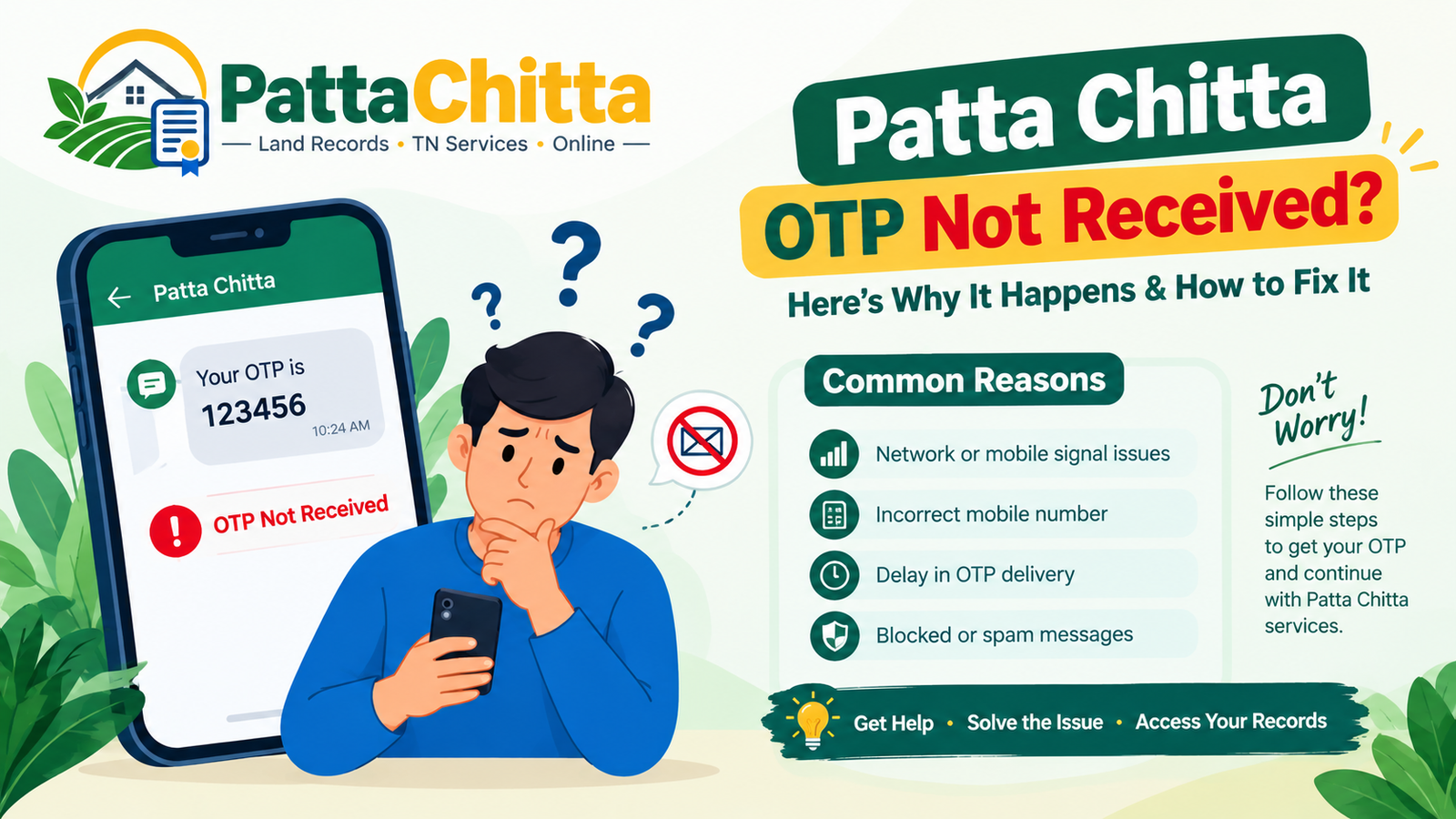
There can be several reasons why an OTP does not reach your mobile phone immediately. The problem may be related to mobile network connectivity, an incorrect mobile number, SMS filtering, a temporary technical issue, or repeated OTP requests.
Before assuming that your Patta Chitta service request has failed, check the simple solutions below.
7 Ways to Fix Patta Chitta OTP Not Received
1. Check Your Mobile Network
Start by checking whether your phone has a stable mobile signal. If the signal is weak, SMS messages may be delayed.
Move to an area with better network coverage and wait a few minutes before requesting another OTP.
2. Wait Before Requesting Another OTP
If you have already requested an OTP, avoid pressing the request button repeatedly.
Wait for a few minutes and check your SMS inbox again. If you request several codes, make sure you use the latest valid OTP provided by the service.
3. Check Your SMS Inbox and Blocked Messages
Open your phone’s messaging app and check your recent messages carefully.
If your phone has spam or blocked-message filtering, check those folders too. Also make sure your SMS inbox is not full.
4. Check the Mobile Number
If the Patta Chitta service asks you to enter or confirm a mobile number, carefully check every digit before continuing.
An incorrect mobile number can prevent an OTP from reaching your phone.
5. Refresh the Page and Try Again
A temporary browser or session problem can sometimes interfere with an online request.
If the page appears stuck, refresh the page and start the process again. You can also try another browser or device if available.
6. Try Again Later
If your mobile network is working and the number is correct but the OTP still does not arrive, there may be a temporary problem with the online service.
Instead of repeatedly requesting OTPs, wait for some time and try again later.
7. Use the Official Tamil Nadu e-Services Portal
The Tamil Nadu land-record e-Services portal provides access to services such as Patta, Chitta, FMB and other land-record information. Government service information also lists options for viewing and verifying land records and checking application status.
Visit the Official Tamil Nadu e-Services Portal
You can also review the Government of Tamil Nadu land-record service information through the National Government Services Portal.
View Tamil Nadu Land Records Service Information
What Should I Do If the Patta Chitta OTP Is Still Not Received?
If you have checked your network, confirmed the mobile number, checked your SMS inbox and waited before trying again, do not keep requesting OTPs repeatedly.
Wait and try the service again later. If the problem continues, use the official Tamil Nadu land-record service rather than entering your personal information on an unknown website.
Can I Check Patta Chitta Without OTP?
It depends on the particular land-record service or step you are trying to complete. Tamil Nadu provides different online land-record services, including options to view Patta, Chitta, FMB and TSLR records.
Some services may require verification, while other record-viewing options may use different details such as district, taluk, village, survey number or subdivision number.
Check the Government Land Records Service Details
Related Patta Chitta Guides
If you are working with Tamil Nadu land records, these guides may also help:
Patta Chitta OTP FAQs
Why am I not receiving the Patta Chitta OTP?
The OTP may be delayed because of mobile network problems, an incorrect mobile number, SMS filtering, temporary technical issues or repeated OTP requests.
How long should I wait for a Patta Chitta OTP?
There is no single guaranteed delivery time for every situation. If the OTP does not arrive, wait a few minutes, check your SMS inbox and then try again.
What if I entered the wrong mobile number?
Go back to the relevant step and carefully check the mobile number before requesting another OTP.
Can I request the Patta Chitta OTP again?
If the service provides a button to request another OTP, you can use that option. Avoid requesting several codes repeatedly within a short period.
Where can I check Patta Chitta online?
You can access Tamil Nadu land-record services through the official e-Services portal.
Final Checklist
- Check your mobile network.
- Wait a few minutes before requesting another OTP.
- Check your SMS inbox and blocked messages.
- Confirm that the mobile number is correct.
- Refresh the page or try another browser.
- Try again later if the service appears temporarily unavailable.
- Use the official Tamil Nadu e-Services portal.
- Never share your OTP with another person.
Explore our guides for Patta Chitta status, Patta transfer, FMB, A-Register and online land-record services.
Last Updated: October 2026