EC Patta Online Tamil Nadu Check EC and Land Records
EC Patta Online Tamil Nadu: Check EC and Land Records
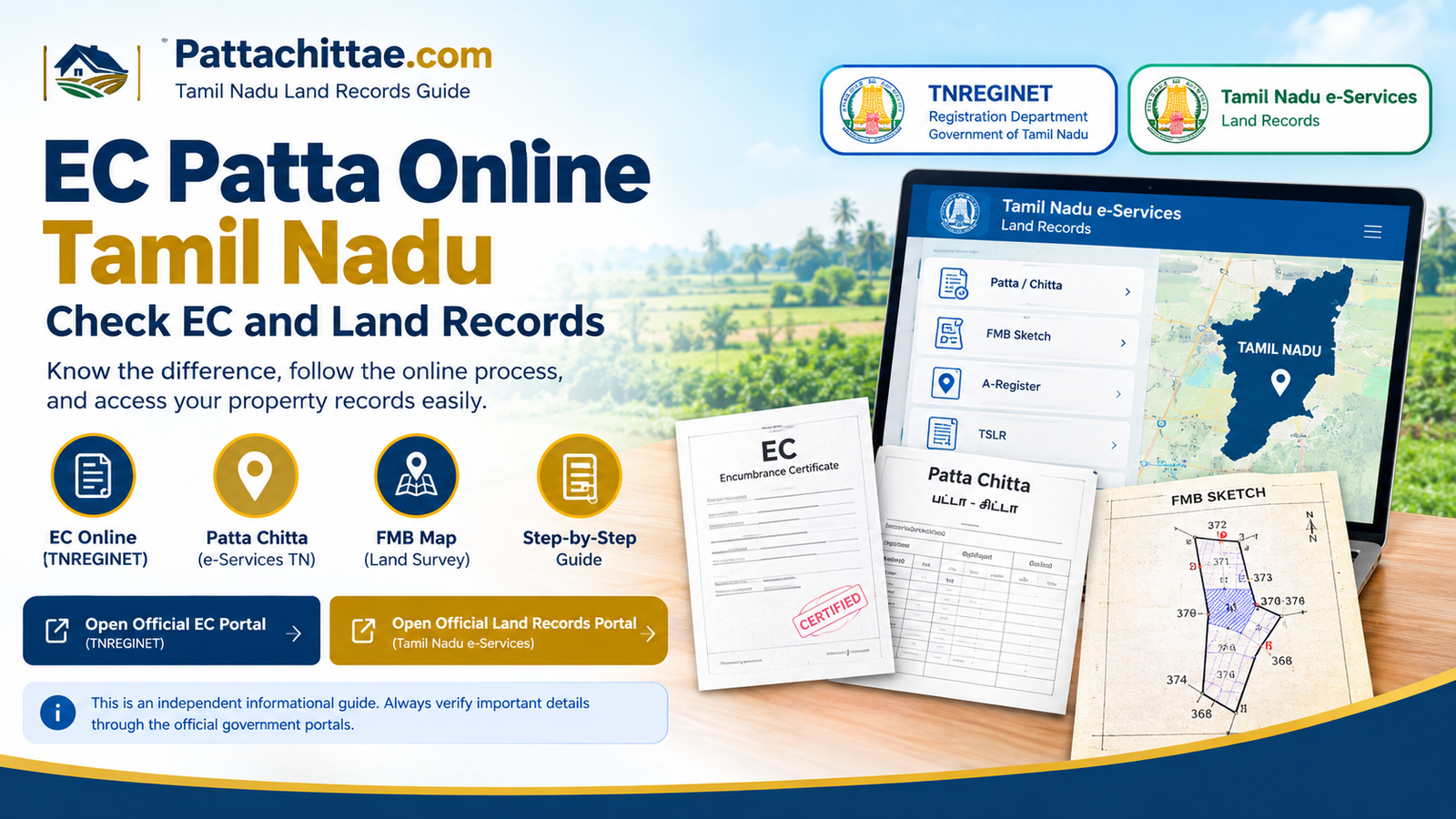
Looking for EC Patta Online services in Tamil Nadu? Learn the difference between an Encumbrance Certificate (EC) and Patta Chitta, where to check each record online, what information you may need, and how to review property details before making an important decision.
Independent informational guide. This website is not a government website. Always verify important details through the official portals.
What Is EC Patta Online?
The phrase “EC Patta Online” is commonly used by people searching for Tamil Nadu property records on the internet. Usually, they want to check an Encumbrance Certificate, view Patta Chitta details, or understand which government website provides the document they need.
These services serve different purposes. The Encumbrance Certificate, commonly called EC, relates to registered transactions recorded against a property for a specified period. Patta and Chitta-related land records are associated with land details maintained through the state’s land records system.
If you are researching a property, it is important to identify the correct document before beginning an online search. Using the right portal can help you avoid confusion and reduce the risk of relying on information that does not answer your question.
Encumbrance Certificate (EC)
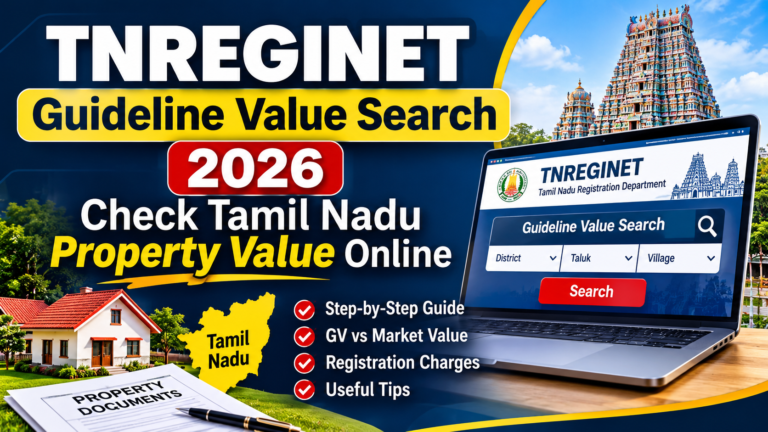
Use the official registration services portal to access available EC services and review registered transaction information for the relevant property and period.
Visit official TNREGINETPatta Chitta and Land Records
Use Tamil Nadu’s land records e-Services to find the available Patta, Chitta, FMB, A-Register, TSLR and related land-record services. The options depend on the record and area type.
Visit official land records portalWhat Is an Encumbrance Certificate (EC)?
An Encumbrance Certificate is a property-related document associated with registered transactions recorded in the registration system for a specified period. People commonly check an EC when researching a property before purchase, sale, a loan application, or another legal transaction.
Depending on the property and the period searched, an EC may help identify registered dealings such as a sale, mortgage or other registrable transaction. The exact entries depend on the official records and the details submitted in the search.
An EC should not automatically be interpreted as a complete guarantee that a property has no legal problems. The document reflects the registration information available for the specified search. It may not reveal every possible dispute, claim, unregistered arrangement or other issue affecting a property.
Why do people check an EC?
- To review available registered transactions related to a property.
- To research a property before a proposed purchase or sale.
- To support property-document checks requested during a transaction.
- To review transaction details for a selected period.
- To help identify questions that may need clarification from a registration office or legal professional.
What Is Patta Chitta?
Patta Chitta is a commonly used term for Tamil Nadu land-record information. Patta is associated with the recorded holder and relevant land particulars, while Chitta is historically associated with land classification and revenue records. The way information is displayed can depend on the service and record type available through the portal.
Land records may include details such as district, taluk, village, survey number, subdivision number, recorded name, area and land classification, depending on the record being accessed. Urban and rural records may use different fields.
People often check Patta Chitta when they need to review land details, verify a record reference, understand a survey number, or follow a land-record application. The official e-Services portal lists different land-record options, so select the service that matches your requirement.
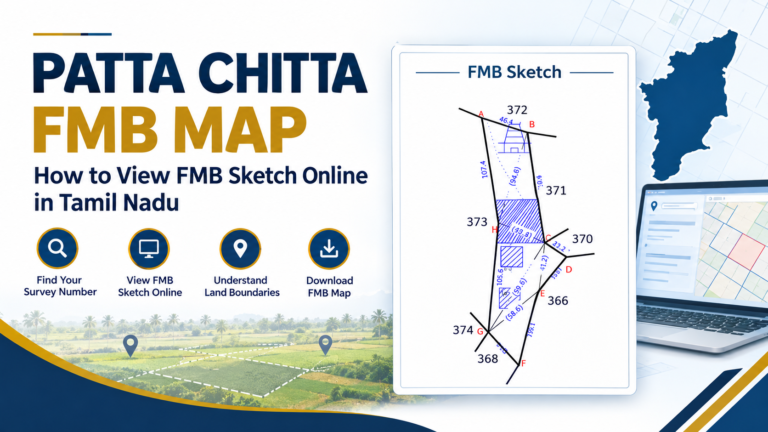
To learn more about related land-record information, visit our Patta Chitta and FMB guide .
EC vs Patta Chitta: What Is the Difference?
Although both documents relate to property, they are not interchangeable. The following comparison can help you decide which service to open first.
| Point | EC | Patta Chitta |
|---|---|---|
| Main purpose | Review registered transactions for a specified period. | Review relevant land-record and revenue details. |
| Official service | TNREGINET registration portal. | Tamil Nadu land records e-Services. |
| Typical search details | Property and registration details required by the EC service. | District, area type and relevant survey or land-record details. |
| Common use | Property transaction research and document checks. | Reviewing recorded land particulars and related extracts. |
| Important limitation | Does not by itself guarantee clear title. | Does not replace a complete legal and registration review. |
How to Check EC Online in Tamil Nadu
The official TNREGINET portal provides registration-related services, including EC services. Menu labels and the steps shown may change as the portal is updated. Follow the instructions currently displayed on the official website.
- Open the official portal. Visit TNREGINET.
- Find the EC service. Look for the Encumbrance Certificate or relevant EC search option in the portal’s current service menu.
- Read the search instructions. Check whether the service asks for property-location details, registration information, a period, or other particulars.
- Enter the requested information. Carefully enter the details that match the property and the period you want to review. Avoid guessing if a required field is unclear.
- Complete the portal’s verification steps. Follow any authentication, account, application or payment instructions shown by the official service.
- Review the result. Check the displayed property and transaction details. If the record appears incomplete or does not match your property, review the search information or contact the relevant registration office.
- Save the available document. If the service provides a view, print or download option, save the result for your records and check that the property details are correct.
How to Check Patta Chitta Online
To view Tamil Nadu land records, use the official land records e-Services portal rather than the EC service. The portal offers several record options, and the exact details requested depend on the selected service and whether the land is classified under a rural or urban record system.
- Visit the land records portal. Open Tamil Nadu e-Services .
- Select the relevant record. Choose the Patta/Chitta, FMB, A-Register, TSLR or other applicable option based on what you need to check.
- Choose the location details. Depending on the selected service, you may need to choose the district, taluk, village or other area details.
- Enter the land details. Provide the requested survey number, subdivision number, Patta number or other required information. The fields will vary by service.
- Complete any on-screen verification. Follow the portal’s instructions and submit the search.
- Check the record carefully. Compare the displayed details with the information you have about the property, including the location and survey particulars.
- Use the available print or save option. If the selected service provides a printable or downloadable record, save it for future reference.
If you cannot find a record, confirm the selected area type and the survey details. A missing result does not necessarily establish that the land has no record. Some cases may require help from the relevant revenue or survey office.
What Information Should You Keep Ready?
The details required depend on the document and the official service you select. Before starting, collect the information available to you and make sure it relates to the correct property.
- District and property location.
- Taluk and village details, where applicable.
- Survey number and subdivision number, if relevant.
- Patta number or registration particulars, when requested.
- The period you want to search for an EC.
- Any reference or application number related to an existing request.
These are examples of potentially useful details, not a universal list of mandatory documents. Check the selected official service for its current requirements. If a field does not match your documents, do not enter unrelated information just to complete the form.
Common Problems When Checking EC or Patta Online
1. The property record does not appear
Recheck the survey number, subdivision number, location and search period. Confirm that you are using the correct portal for the document you need. If the details are correct but the record remains unavailable, seek guidance from the relevant office.
2. EC details do not match the property
Review the property particulars and period used in the search. Do not assume that a similar-looking property entry belongs to your property. Ask the registration office or a qualified property professional to clarify any mismatch.
3. Patta and EC show different information
The two records serve different purposes and may contain different information. A difference should not be ignored. Keep copies of the relevant records and ask the appropriate registration or revenue authority how the discrepancy should be reviewed.
4. The portal is not working
Try again later, check your internet connection and make sure you are visiting the official portal. Avoid entering personal information on unofficial websites that claim to provide the same service.
5. You are unsure which document is needed
If you are preparing for a property transaction, ask the bank, lawyer, registration office or other relevant professional to confirm which records are required for your specific case.
Important Checks Before Buying Property
Checking EC and Patta-related records can be a useful part of property research, but no single online document should be treated as a complete legal investigation. Before purchasing land or property, consider reviewing the relevant records together with qualified professional advice.
- Confirm that the property location and survey particulars match.
- Review the EC for the relevant period and investigate any entries you do not understand.
- Check the available Patta and related land records.
- Ask whether additional records or prior documents are required for your transaction.
- Seek legal advice if there are discrepancies, disputes or unclear ownership details.
A careful review helps you understand what the available records show and what questions may need further investigation. For official confirmation, use the relevant government service or contact the responsible department.
Frequently Asked Questions
1. What does EC Patta Online mean?
It is a search phrase people use when looking for an Encumbrance Certificate and Patta-related land records online in Tamil Nadu. These are separate services with different purposes.
2. Which website should I use to check EC in Tamil Nadu?
Start with the official TNREGINET portal and follow the current instructions for its EC service.
3. Where can I check Patta Chitta online?
Use the official Tamil Nadu land records e-Services portal and choose the appropriate land-record option.
4. Is EC the same as Patta?
No. EC relates to registered transaction information for a selected period, while Patta-related records provide relevant land-record particulars. They should not be used as substitutes for each other.
5. Does an EC guarantee that a property has clear title?
No. An EC is an important part of property research, but it does not guarantee that every possible legal issue has been identified. Further document checks and professional advice may be necessary.
6. What should I do if my Patta details are incorrect?
Check the details entered in the search and compare the result with your available documents. If the discrepancy remains, contact the relevant revenue authority or follow the official correction process applicable to your case.
7. Can I check EC and Patta from the same website?
Use the designated official service for each document. TNREGINET is the registration portal for EC-related services, while Tamil Nadu e-Services provides the relevant land-record services.
8. Is this website an official government portal?
No. Pattachittae.com is an independent informational website. It explains general procedures and directs users to official services, but it does not issue or verify government property documents.
Final Words
EC Patta Online searches can lead to different types of Tamil Nadu property records, so the first step is to identify the document you actually need. Use TNREGINET for EC-related registration services and the Tamil Nadu e-Services portal for Patta Chitta and other available land records.
Enter property details carefully, check the results before relying on them, and seek official or professional clarification if records are missing or inconsistent. For more information about Patta Chitta and FMB records, explore our Patta Chitta FMB guide or return to the Pattachittae.com homepage.