TSLR Extract Tamil Nadu Check Urban Land Records Online
TSLR Extract Tamil Nadu Check Urban Land Records Online
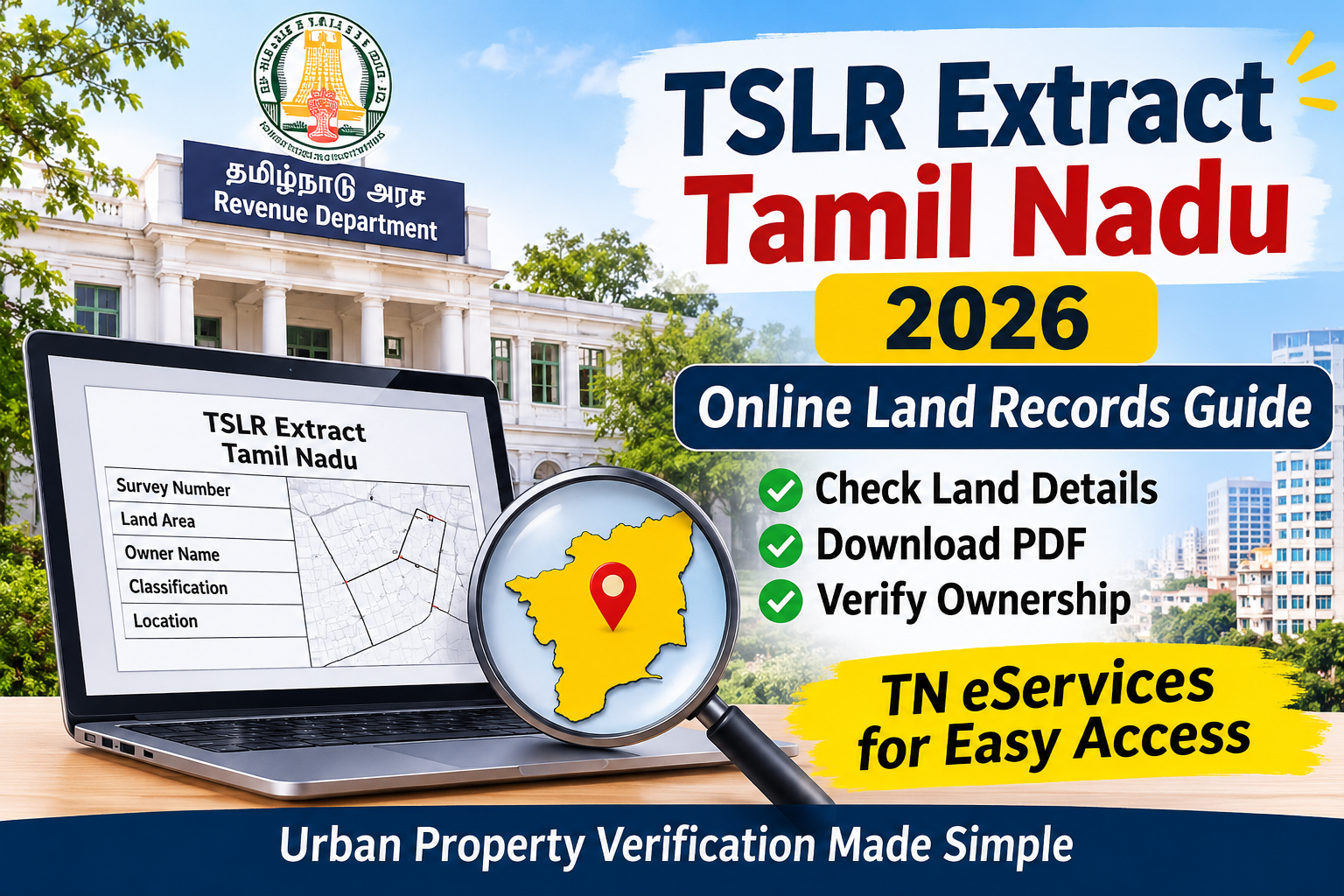
Need to check urban property details in Tamil Nadu? The TSLR Extract can help you understand the land particulars recorded in the Town Survey Land Register. This guide explains what TSLR means, how to access the record through the official TN eServices portal, what details to check and how it differs from rural Patta and Chitta records.
Visit Official TN eServices Explore Patta Chitta GuideIndependent informational guide • Always confirm important property details through official government records and the relevant department.
1. What Is TSLR Extract in Tamil Nadu?
TSLR stands for Town Survey Land Register. A TSLR Extract is a record containing information about a land parcel recorded under the town survey system in Tamil Nadu. It is relevant to properties located in surveyed urban areas, including towns and city locations.
People commonly search for TSLR Extract Tamil Nadu when they want to check urban land particulars before a property transaction, compare survey information with an existing deed or understand the details recorded by the Revenue and Survey authorities.
The Tamil Nadu Government’s land eServices portal provides a service for viewing Patta, FMB, Chitta and TSLR Extract records. The Chennai District Government website also lists this service under its official eServices information.
However, the information shown in an extract should be understood in its proper context. A land record is an important source for checking recorded particulars, but it should not be treated as a complete legal title investigation by itself.
2. TSLR Full Form and Meaning
The full form of TSLR is Town Survey Land Register. It is associated with the town survey and urban land-record system in Tamil Nadu.
In urban areas, land identification may involve details such as district, taluk, town, ward, block and town survey number. These identifiers help distinguish one surveyed property parcel from another.
The exact fields displayed can depend on the property record and the format provided by the portal. A user should read the complete extract instead of relying only on one field, such as a name or survey number.
Why does Tamil Nadu maintain town survey records?
- To maintain land particulars for surveyed urban areas.
- To identify parcels through town survey references.
- To support the administration and management of land records.
- To help citizens access recorded property information.
- To support record comparison during property-related enquiries.
3. Why Is a TSLR Extract Important?
Urban property transactions can involve several different records. A sale deed may contain a property description, a survey reference, an extent and boundary details. A TSLR Extract can help a buyer or owner compare certain recorded land particulars with the information in those documents.
Common reasons people check TSLR
Property due diligence
A buyer can review the available town survey particulars and compare them with the property description supplied by the seller.
Survey number confirmation
The extract can help users check whether the town survey reference they have matches the record they are viewing.
Record comparison
Owners can compare the recorded particulars with their sale deed, previous documents and other relevant land records.
Property-related enquiries
It may be useful when discussing a land-record discrepancy with the relevant Revenue or Survey office.
4. How to Check TSLR Extract Online in Tamil Nadu
You can start with the Tamil Nadu Government’s official land eServices portal. The portal lists a service called View Patta & FMB / Chitta / TSLR Extract. The exact form and fields shown to you may depend on the selected service and the property record.
Step-by-step process
- Open the official portal: Visit Tamil Nadu eServices – Land Records.
- Find the land-record service: Look for the option labelled “View Patta & FMB / Chitta / TSLR Extract”.
- Choose the relevant record type: If the portal displays separate choices, select the TSLR or urban land-record option applicable to your property.
- Select the location: Enter the requested district, taluk and town information.
- Enter survey identification: Provide the ward, block, town survey number and subdivision details where requested.
- Complete portal verification: If the portal asks for a captcha, mobile verification or OTP, follow the on-screen instructions.
- Submit the search: Review the information you entered and submit the form.
- Review the result: Check the displayed land particulars carefully and compare them with your property documents.
- Save or print if available: Use the portal’s available print or download option, if provided for the selected record.
View Chennai District Government eServices information
Do not use a third-party website that asks you to submit personal information just to display a government land-record page. Start from the official government domain and follow its current instructions.
5. Details You May Need Before Searching TSLR
It is helpful to collect the property’s survey identification details before opening the online form. Urban records may use a different identification structure from rural village land records.
| Information | Why it may be needed |
|---|---|
| District | Identifies the administrative district. |
| Taluk | Helps locate the relevant revenue area. |
| Town | Identifies the surveyed town associated with the property. |
| Ward | Helps narrow down the urban location. |
| Block | Identifies the relevant survey block. |
| Town Survey Number | Identifies the surveyed land parcel. |
| Subdivision Number | Distinguishes a subdivision where one is recorded. |
Not every search screen will necessarily ask for every item in the same order. Use the field labels shown on the official portal rather than entering rural survey details into an urban TSLR form.
Where can you find these details?
Check the property sale deed, previous land records, survey documents or other records supplied by the owner. If the information is incomplete or unclear, contact the appropriate local Survey and Land Records office rather than guessing a ward, block or town survey number.
6. How to Read a TSLR Extract
After opening a record, do not focus on just the owner’s name. Review the complete document and understand how the different fields relate to the property.
Details to examine
- Location: Confirm the district, taluk and town shown in the record.
- Ward and block: Compare these references with the available property documents.
- Town survey number: Check the number carefully, including any subdivision.
- Recorded name or holder details: Compare the entry with the relevant deed and other records.
- Land extent: Check the recorded extent and the unit in which it is expressed.
- Land classification: Read the classification exactly as displayed. Do not assume that every classification permits every proposed use.
- Other remarks: Review additional entries, references or remarks included in the extract.
7. How to Save or Print a TSLR Extract
Users often search for TSLR Extract Tamil Nadu PDF download because they want a copy for their records or property-document review.
After accessing the relevant record on the official portal, check whether a print or download facility is available on that screen. If the portal provides a document or print view, follow its instructions to save a copy.
General steps
- Open the official TN eServices portal.
- Navigate to the TSLR Extract service.
- Enter the required location and survey details.
- Open the matching record.
- Look for the available print or download control.
- Save the document and check that all pages and details are readable.
If a print option is available but there is no direct download button, your browser’s print function may allow you to save the displayed page as a PDF. Make sure the saved copy contains the full record and is not missing important fields.
For official use, confirm whether the receiving bank, department, court or other institution requires a digitally signed extract, a particular verification method or a certified copy. A browser-saved printout may not meet every institution’s requirements.
8. TSLR Sketch and Its Uses
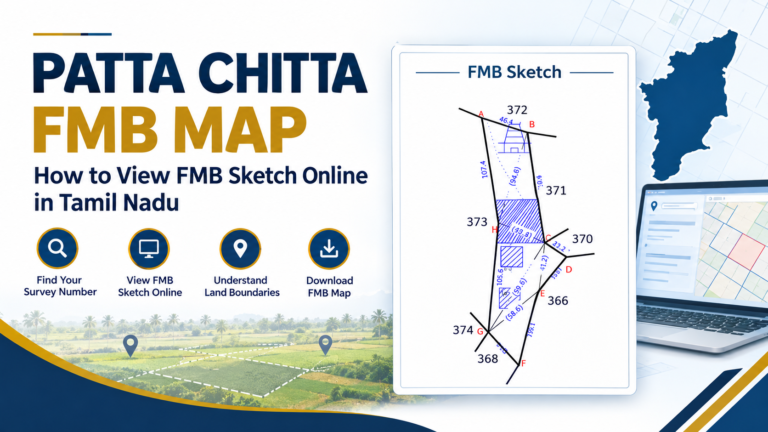
A TSLR Extract and a TSLR sketch are related but different types of land information. The extract presents recorded particulars, while a sketch or map provides a visual representation of the surveyed parcel or its surrounding survey layout, where available.
Why might someone need a TSLR sketch?
- To understand the surveyed layout of a property.
- To compare survey references with the available deed description.
- To support a boundary-related enquiry.
- To discuss a survey discrepancy with the relevant office.
- To help understand the relationship between a parcel and nearby survey references.
A sketch should not be treated as a substitute for a physical survey or a professional boundary assessment. If the actual site boundaries do not match the available map or documents, consult the appropriate survey authority.
What if a TSLR sketch is not available?
Some records or locations may not show a sketch through the online service. If the portal does not provide one, do not assume that the property is invalid or that no survey record exists. Contact the local Survey and Land Records office to ask about the available record and the correct procedure.
For rural land measurement information, read our Patta Chitta FMB guide.
9. How to Verify TSLR Details Correctly
Checking an online result is only one part of property verification. The details should be compared with independent documents and, where necessary, confirmed with the responsible government office.
Practical verification checklist
- Check the location: Confirm the district, taluk and town.
- Match the survey reference: Compare the town survey number and subdivision with the deed.
- Compare the extent: Check whether the land area is consistent across the available records.
- Review the recorded name: Compare the entry with the registered deed and other ownership documents.
- Check the classification: Understand the recorded land classification and whether any additional planning or land-use approval is required.
- Review the sketch if available: Compare the survey information with the map and property description.
- Check registration history: Review the relevant Encumbrance Certificate and registered documents.
- Resolve discrepancies: Ask the appropriate authority or a qualified property lawyer or survey professional to clarify material differences.
TSLR verification and Encumbrance Certificate
A TSLR record and an Encumbrance Certificate serve different purposes. TSLR provides urban land-record particulars. An EC is used to review registered transactions and encumbrances reflected in the registration records for the selected period.
You can read our guide to the TNREGINET Encumbrance Certificate for more information about checking registration-related records.
10. TSLR Extract Chennai Online Check
Chennai is one of the urban locations where people commonly search for TSLR information. A person checking a Chennai property should use the correct district, taluk, town, ward, block and town survey references requested by the official portal.
How to check a Chennai urban land record
- Open the official Tamil Nadu land eServices portal.
- Find the Patta, FMB, Chitta and TSLR Extract service.
- Select the relevant urban or TSLR record option.
- Choose the correct Chennai location details shown in the form.
- Enter the town survey and subdivision details requested.
- Submit the search and carefully review the result.
Chennai property owners can also refer to the Chennai District Government’s land eServices page, which lists the official online land-record services.
Do not select a location simply because it has a familiar neighbourhood name. Use the administrative and survey details appearing in the property documents.
11. TSLR vs Patta Chitta vs A-Register
People sometimes confuse TSLR with Patta, Chitta and A-Register because all of these terms relate to Tamil Nadu land records. However, the records have different purposes and are associated with different land-record contexts.
| Record | General purpose | Common context |
|---|---|---|
| TSLR Extract | Town Survey Land Register particulars. | Surveyed urban properties. |
| Patta | Revenue record showing recorded landholding particulars. | Commonly used for rural and other applicable land records. |
| Chitta | Landholding and classification-related record information. | Associated with Tamil Nadu land records. |
| A-Register | Village-level land register with survey and classification particulars. | Village and rural land records. |
| FMB | Field Measurement Book sketch showing survey measurements. | Survey and boundary-related reference. |
The distinction is not simply that Patta Chitta is always rural and TSLR is always urban in every possible situation. The appropriate record depends on the property’s location and the land-record system applicable to it. Use the correct service and follow the record type shown by the official portal.
Read our related guides:
12. Does a TSLR Extract Prove Property Ownership?
This is one of the most important questions for anyone searching for TSLR Extract Tamil Nadu before buying a property.
A TSLR Extract is an important government land-record reference. It can show the particulars maintained in the town survey record. However, it should not be treated as a complete and independent proof of legal title in every situation.
Property ownership and title can depend on several documents and legal circumstances, including registered conveyances, inheritance, court orders, previous transactions, partition documents and other relevant records.
Documents to review along with TSLR
- Current and previous registered sale deeds, as relevant.
- Encumbrance Certificate for an appropriate period.
- Relevant land and survey records.
- Property tax or municipal records, where applicable.
- Approved layout or planning documents, where relevant.
- Legal documents relating to inheritance, partition or court proceedings, if applicable.
13. Using TSLR Before Buying Urban Property
Before purchasing a plot, house or other urban property, it is sensible to check whether the property description in the seller’s documents is consistent with the available government records.
Step 1: Collect the property details
Ask for the registered deed and relevant survey identification details. Make sure the property location and survey references are clearly recorded.
Step 2: Check the TSLR record
Use the official eServices portal to look up the applicable urban land record. Review the location, survey number, subdivision and other displayed particulars.
Step 3: Compare the extent and description
Compare the land extent and property description with the deed. If the figures or references do not match, request an explanation and supporting records.
Step 4: Review the EC
Check the Encumbrance Certificate through the registration department’s official service. Remember that an EC reflects registered transactions for the selected period and is not, by itself, a complete title guarantee.
Step 5: Confirm boundaries
Where necessary, ask a qualified surveyor or the relevant survey authority to help identify the physical parcel and clarify any boundary concerns.
Step 6: Obtain professional review
Before paying an advance or completing the transaction, have the documents reviewed by a qualified property lawyer. This is especially important if the property has inheritance issues, multiple owners, court disputes or inconsistent records.
14. Common TSLR Search Problems and Possible Solutions
Sometimes a user enters property information but cannot find the expected record. A failed search does not automatically mean that the property has no valid record. It may be caused by incorrect identification details, a record mismatch or portal availability.
Problem: No record found
Possible reason: The town, ward, block or survey details may not match the record.
What to do: Compare the details with the deed or previous land records. Recheck spelling and survey references before submitting again.
Problem: Wrong town or location selected
Possible reason: The property address may use a familiar locality name that differs from the administrative town or survey entry.
What to do: Use the location information in the property documents and ask the local Survey and Land Records office if the correct administrative location is unclear.
Problem: Survey number does not match
Possible reason: The document may refer to an old survey number, a town survey number or a subdivision that has been entered incorrectly.
What to do: Compare the survey references in the deed and available survey records. Do not guess a new number.
Problem: Owner name appears different
Possible reason: The record may not reflect a recent transaction or mutation, or the documents may contain a spelling or identity difference.
What to do: Review the registered deed and relevant mutation or transfer records. Contact the competent authority about correction or updating procedures.
Problem: TSLR sketch is not displayed
Possible reason: A sketch may not be available through the online service for that particular record.
What to do: Ask the relevant Survey and Land Records office about the availability of the map or an alternative official record.
Problem: Portal is not loading
Possible reason: The website may be temporarily unavailable, or the browser session may have expired.
What to do: Try again later, refresh the official page or use another browser. Avoid unofficial websites that promise instant access in exchange for unnecessary personal information.
15. Documents and Information to Keep Ready
You may not need to upload every document simply to view an online record. However, keeping the relevant property information ready can make the search and verification process easier.
- Property sale deed or another relevant registered document.
- District, taluk and town details.
- Ward and block details, where applicable.
- Town survey number and subdivision reference.
- Previous land-record extract, if available.
- Relevant sketch or survey document, if available.
- Mobile phone, if the official portal requests verification.
Only provide information that is required by the genuine government service. Never share an OTP, password or sensitive identity information with an unknown person claiming to help you download a TSLR document.
16. TSLR Extract and Urban Property Record Management
Urban property records are used for several administrative and verification purposes. A town survey reference helps identify a parcel within the relevant surveyed area. It can also help citizens and officials compare land particulars across available records.
However, different departments maintain different kinds of property information. A municipal tax entry, a registration document and a revenue land record may each answer a different question.
Why comparing records matters
For example, a municipal property tax record may help identify a property for local taxation. A registered sale deed records a legal transaction. A TSLR Extract shows the particulars maintained in the town survey land register. These documents should be read together where relevant, rather than assuming one record replaces all the others.
17. Official Links for Tamil Nadu Land Record Verification
Use genuine government portals when accessing land records. The following resources are relevant to Tamil Nadu property and land-record enquiries.
1. Tamil Nadu eServices – Land Records
Use this portal to access the available land-record services, including the listed Patta, FMB, Chitta and TSLR Extract service.
Open TN eServices2. Chennai District Government – eServices
The Chennai District Government page lists online land-record services and provides a link to the state eServices portal.
Visit Chennai District Government information3. TNREGINET – Registration Department
Use the official registration portal for relevant registration services and Encumbrance Certificate-related enquiries.
Open TNREGINET4. Tamil Nadu Government
Visit the state government’s main website for government department information and official resources.
Visit Tamil Nadu GovernmentFor additional guidance on related land-record topics, explore the PattaChittae.com homepage, the A-Register guide and the FMB guide.
18. Important Safety Tips When Checking Land Records Online
- Check that you are using the genuine government domain before entering information.
- Do not trust websites that imitate government branding or use confusing domain names.
- Never disclose OTPs or passwords to an unknown caller or agent.
- Do not assume that a screenshot is equivalent to an official extract.
- Check the complete record, not only the name shown at the top.
- Keep copies of relevant property documents in a secure location.
- Get professional advice when records contain conflicting details.
19. Frequently Asked Questions – TSLR Extract Tamil Nadu
1. What is TSLR Extract in Tamil Nadu?
TSLR Extract means an extract from the Town Survey Land Register. It contains recorded particulars for a property covered by the town survey system in Tamil Nadu.
2. What is the full form of TSLR?
TSLR stands for Town Survey Land Register.
3. How can I check TSLR Extract Tamil Nadu online?
Visit the official Tamil Nadu eServices portal, find the Patta, FMB, Chitta and TSLR Extract service, choose the relevant record option and enter the location and survey details requested by the form.
4. Is TSLR Extract available through TN eServices?
Yes. Tamil Nadu district government eServices information lists the service “View Patta & FMB / Chitta / TSLR Extract” and directs users to the state eServices portal.
5. Can I download TSLR Extract as a PDF?
Check the official portal after opening the relevant record. If a print or download option is provided, follow the displayed instructions. Availability and document format may depend on the service and record.
6. Is TSLR the same as Patta Chitta?
No. TSLR is associated with town-surveyed urban land records. Patta and Chitta are other Tamil Nadu land-record services. The appropriate record depends on the location and the record system applicable to the property.
7. Is TSLR Extract proof of ownership?
It is an important land-record reference, but it should not be treated as complete legal title proof by itself. Review registered deeds, EC and other relevant documents before buying property.
8. Can I check TSLR Extract for Chennai property?
Chennai District Government lists the TSLR Extract service through Tamil Nadu eServices. Use the correct location and town survey details requested by the official portal.
9. What details are needed to search TSLR?
The portal may ask for district, taluk, town, ward, block, town survey number and subdivision details. The exact fields depend on the selected service.
10. What is the difference between TSLR Extract and TSLR Sketch?
The extract contains recorded land particulars, while a sketch provides a visual survey representation where available. They serve related but different purposes.
11. Why is my TSLR record not showing online?
Possible reasons include incorrect location details, a survey-number mismatch, an unavailable record or a temporary portal issue. Recheck the property documents and contact the local Survey and Land Records office if needed.
12. Is TSLR only for Chennai?
No. TSLR relates to surveyed urban areas in Tamil Nadu. Chennai is one location where people commonly search for these records, but the service is not limited to Chennai.
13. Can TSLR details be corrected?
If you believe a record contains an error, contact the competent Revenue or Survey authority and ask about the applicable correction or modification procedure. The required documents and process depend on the nature of the issue.
14. Should I check an EC along with TSLR?
For a property purchase, reviewing the Encumbrance Certificate is an important part of due diligence. It provides registration-related information for the selected period, while TSLR provides town survey land-record particulars. Neither should replace a complete title review.
15. Where can I find official TSLR information?
Start with the Tamil Nadu eServices portal. You can also refer to the relevant district government website for land-record service information.
Conclusion
TSLR Extract Tamil Nadu is an important resource for checking recorded particulars of properties covered by the town survey system. It can help users review location details, survey references and other available land information through the Tamil Nadu eServices portal.
Before buying or selling urban property, compare the TSLR details with the registered deed, Encumbrance Certificate and other relevant records. If you find a mismatch, seek clarification from the appropriate government office and obtain professional advice where necessary.
For more Tamil Nadu land-record information, visit PattaChittae.com and explore our related Patta Chitta, FMB and A-Register guides.
Check Official Land RecordsDisclaimer: PattaChittae.com is an independent informational website and is not affiliated with or operated by the Government of Tamil Nadu. This article is for general educational purposes and is not legal advice. Government procedures, portal features and record availability may change. Always verify important information with the official department and consult a qualified professional for property-title matters.